

Request Authorization
When interacting with the QStash API, you will need an authorization token. To get your token, go to the QStash tab in the Console, pick a region, and copy theQSTASH_TOKEN from the Quickstart section.
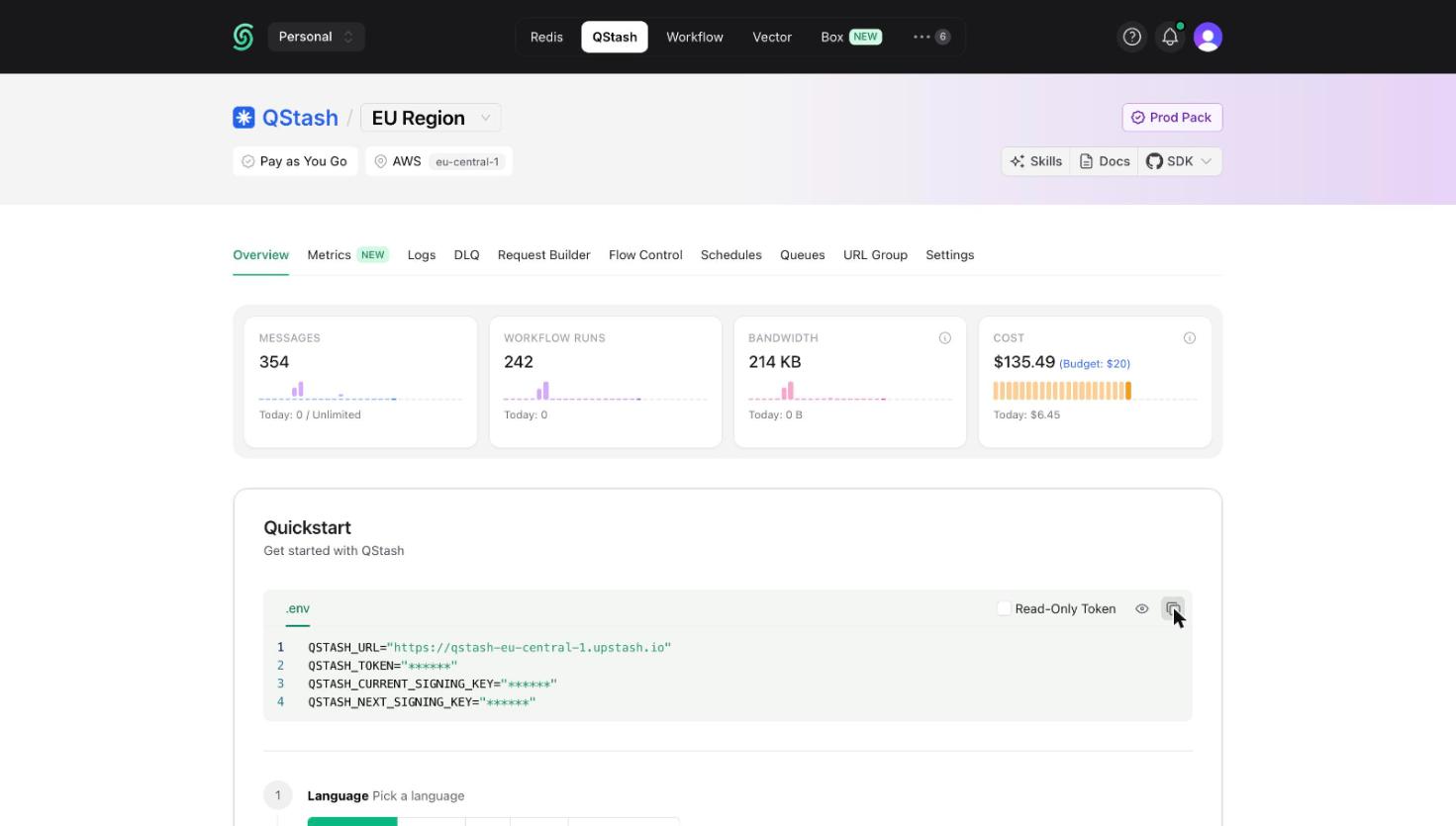
QStash inside the
Authorization header like this:
Request Signing (optional)
Because your endpoint needs to be publicly available, we recommend you verify the authenticity of each incoming request.The Upstash-Signature header
With each request we are sending a JWT inside the Upstash-Signature header.
You can learn more about them here.
An example token would be:
Header
HMAC SHA256 algorithm with your current signing key
and includes the following claims:
Claims
iss
The issuer field is always Upstash.
sub
The url of your endpoint, where this request is sent to.
For example when you are using a nextjs app on vercel, this would look something
like https://my-app.vercel.app/api/endpoint